











-
Recently active
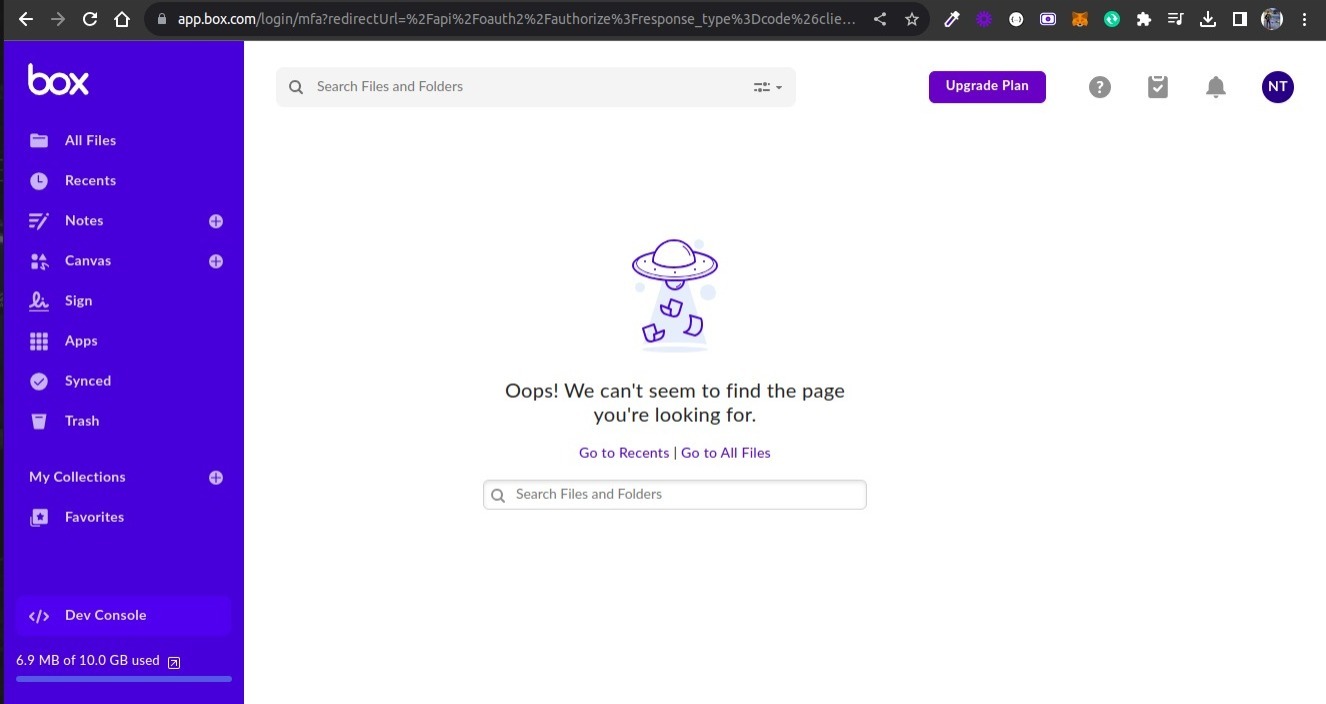
Hello everyone, I’m integrating Box.com into my React application. When I redirect users to this URL for Box login, const boxAuthUrl = `https://account.box.com/api/oauth2/authorize?response_type=code&client_id=${encodeURIComponent(CLIENT_ID)}&redirect_uri=${encodeURIComponent(BOX_REDIRECT_URI)} i’m facing an issue with some accounts. Often, when the user is redirected, they end up at a different URL. How can I resolve this issue? Can anyone help?
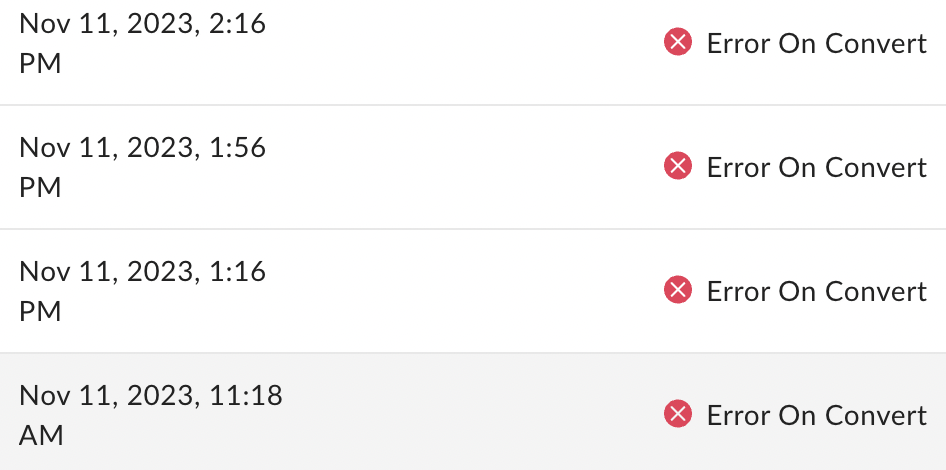
Anyone seeing this pop up again? Starting on Nov 10th I began seeing large increase in “Error on Convert” Same issue as Create Box Sign Request API results in failure while converting though that one is marked as Solved. It’s the same outcome, though perhaps could be a different cause. My guess would be there is an issue again on the Box side, because nothing has changed in my API calls and like with last time, some calls succeed while others result in “Error on Convert”.
I’m trying to check with an API how many times a file has been accessed. Since there is no API to obtain the insight information provided on the web screen, I think that the FILE (Full) objects shared_link.download_count and shared_link.preview_count are appropriate alternatives. However, these values always remain 0 whether I preview or download the file. When are download_count and preview_count updated?
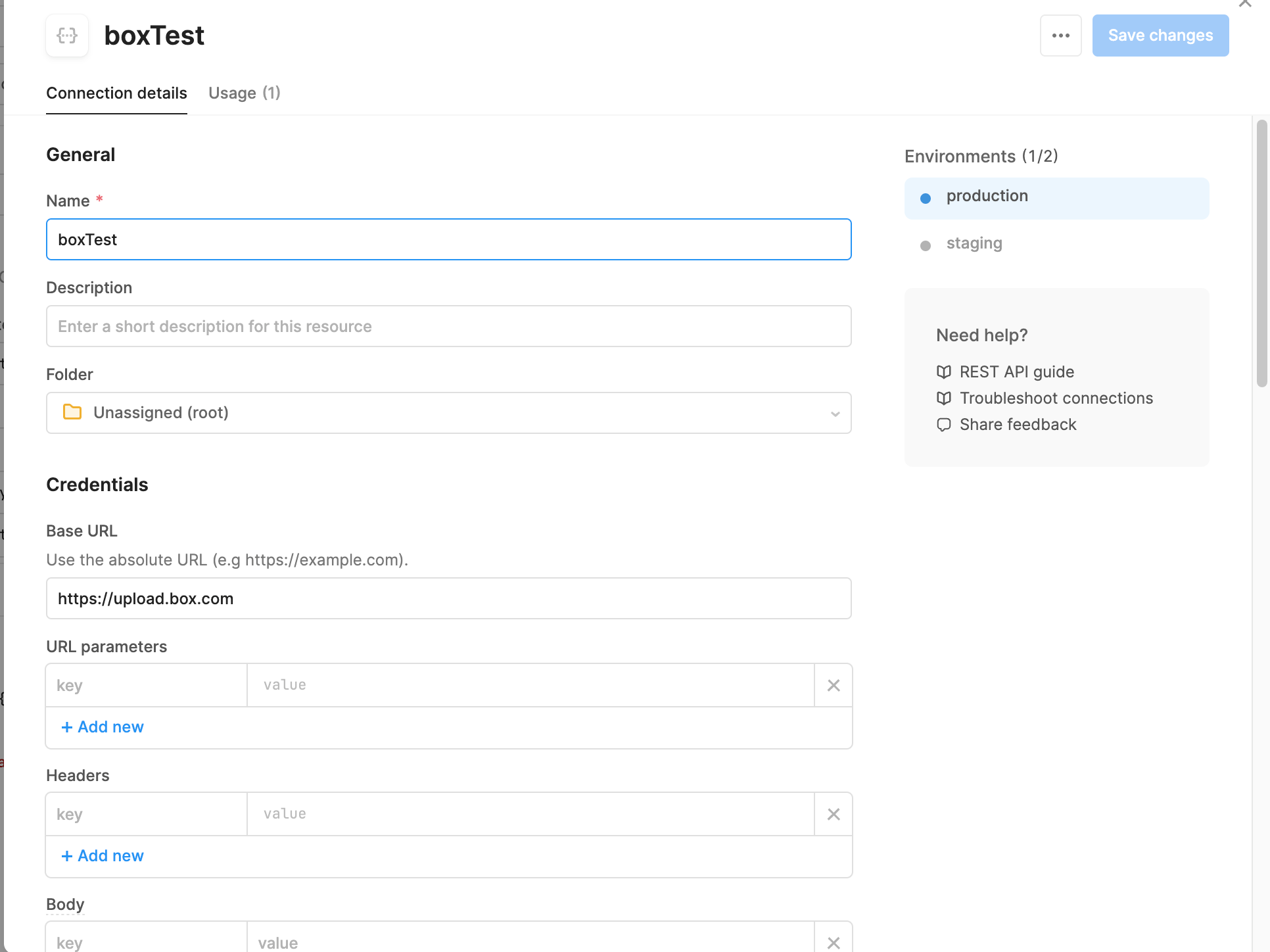
Hi all, I am trying to test out connecting my retool web-based application to take an uploaded file and send it to my box drive via the upload PUSH. The below screenshots show my settings for setting up the API connection, and then the form information for the PUSH. However, when I run it I get a 400 code with a blank message (“”). When I look in the response, It also states a 415 error of invalid file type (see attached). The file is stored encoded with base64 (not sure if that is the problem since the documentation states a string or binary. I am not sure if this is a box issue, retool issue, or user issue (or a combination).
The Users & Groups section of box admin shows that I have a managed user that is using 95% of the storage of my account. I am unable to see that content in the Content section of box admin because I don’t see a Content Browser tab (in both Firefox and Microsoft Edge). I have tried deleting the user and transferring their content to me, but when I click the Continue button it shows a busy animation and never goes to the next screen. When I login to box admin later, no additional content has shown up in my account, and the user I tried to delete is still there and is still using 95% of the storage. The problematic user was originally the account admin, but has an email address from a domain that box doesn’t allow, so a couple years ago I created a new user (the user I’m logged is as now) and made it the admin. I had to file ticket #2455825 to get the account reactivated. The problematic user is now shown as Co-Admin and listed as Active, but I am unable to login using that email
I’m using the /recent_items to identify the following: item_modify, where a user has modified a file in Box item_preview, where a user has viewed a preview of a file item_upload, where a user has uploaded a file item_comment, where a user has added a comment to a file I have created a folder & file, created a folder & uploaded a file, and added comments to the file in my box account. However, the response only lists files interacted with interaction_type = “item_preview”? I was expecting the API to return the interaction_type = “item_uploaded” when the file was uploaded; and return the interaction_type = “item_comment” when a comment was added the file? Any help is greatly appreciated. Thx
Hi, I have created a folder inside my enterprise account and shared the content with an individual user outside my organisation. The user created a free account to access the content, and he trying to automate that content download using SDK. While trying to create an app with limited access to download the content the user can’t generate “Primary Access Token” Is the free account have any limitations to create an app to download contents?. Thanks, Aneesh
Hi, We’ve been using the Python SDK to run a nightly job that gives us a list of all the files (and some metadata) in our account. That job historically took about 30 minutes to complete, recursively going through all the directories, etc. As of a few days ago (11/5), though, it suddenly doubled in length, even though the number of files/folders in our account hadn’t changed. So two questions: Has anyone else noticed anything similar over the last few days? Is there a better/different way to get to that data? Our current function looks something like this: def get_recursive_files(settings, client, folder_id, path_prefix=None): file_list = [] folder = client.folder(folder_id).get() for item in folder.get_items(): if item.type == 'folder': file_list += get_recursive_files(settings, client, item.id, path_prefix) else: file = item.get(fields=['id', 'name', 'created_by', 'created_at', 'modified_by', 'modified_at', 'path_collection', 'ver
We plan to develop a Box app using .Net. But apparently, .Net seems to be not a popular option based on the traffic here. Are there any reasons for that?
Do I need paid account to utilize the file upload feature using .NET SDK? Also where to find authorization code for my app in the interface? Please let me know and I am stuck on this
I have a Box enterprise account, and I want to create a client object that can perform various operations on behalf of enterprise users. My goal is to access and manage files and folders. To achieve this, I’ve explored two authentication methods: developer tokens and JWT authentication. Is it true that developer tokens should not be used for production? If yes then I am left with JWT Authentication. JWT Authentication: I’ve looked into JWT authentication, which appears to be suitable for server-to-server communication. However, I’m unsure about how to set up the following JWT authentication parameters: jwt_key_id rsa_private_key_file_sys_path rsa_private_key_passphrase Additionally, I would like to know how to create a client object using JWT authentication to access enterprise users’ data and perform operations as the Service Account or individual App Users.
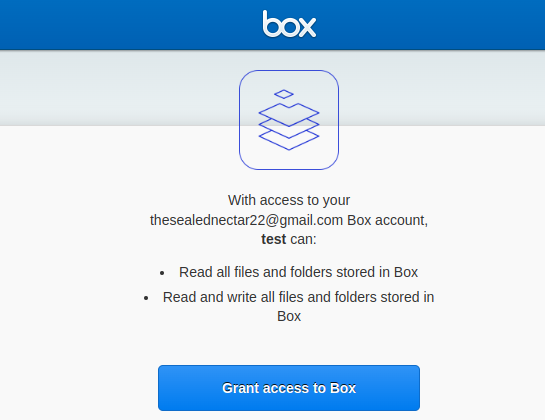
Is there a way to eliminate the grant access page if a user is already given access to the app? Or is there any other type of custom app I can use for this purpose? My requirement is just to verify that the visitor is an actual box user or not. Once the user grants we store the tokens and refreshs the token before the expiry of the refresh token. A similar way where users can log in with Google. And access grant is asked only first time.
Hi, the grant page shown below appears everytime the user wants to use box. Is this the expected behaviour or is it my incorrect setup?
I have a question regarding rate limiting for license-based APIs. developer.box.com Rate Limits - Box Developer Documentation Explore the Box APIs and SDKs to use for app development, API documentation, developer support resources, and access the Box Developer Console If the rate limits for license-based APIs are exceeded, will an error occur? I would like to know the specific behavior when these limits are exceeded. In a previous response, it was mentioned that there would be no error, but a notification for a plan upgrade. I would like more details on what happens when the limits are exceeded. Box Support API calls per month limitation of Business Plans When an application reaches the API calls per user (or per second), the response will be "429 Too Many Requests" with Retry-After seconds in HTTP headerhttps://developer.box.com/guides/api-calls/p...
We are looking to interact with millions of files. We have noticed on the box site that Enterprise business plan has a limit of 100,000 API calls per month. Can this rate be increased? If so, what can it be increased to?
I have a question regarding rate limiting for license-based APIs. developer.box.com Rate Limits - Box Developer Documentation Explore the Box APIs and SDKs to use for app development, API documentation, developer support resources, and access the Box Developer Console Is the license-based API rate limit after publishing a custom app related to the plan that the party issuing OAuth (i.e., the developer of the custom app) has signed up for, which increases the count when making API calls from the app? Or does the contracted plan of the user of the app affect the API call limit?
I have a question regarding rate limiting for license-based APIs. developer.box.com Rate Limits - Box Developer Documentation Explore the Box APIs and SDKs to use for app development, API documentation, developer support resources, and access the Box Developer Console I understand that the rate limits for license-based APIs are based on the entire organization’s usage, not on a per-user basis. For example, if there are 6 users on a Business plan, and each user makes 10,000 API calls, the total would exceed the 50,000 rate limit. Is this correct?
Hello! I created app as “OAuth 2.0 with Client Credentials Grant (Server Authentication)” and used below python code to get the access token and get a folder info. Im able to get the access token but when I try to get the folder information i get this error {‘type’: ‘error’, ‘status’: 404, ‘code’: ‘not_found’, ‘context_info’: {‘errors’: [{‘reason’: ‘invalid_parameter’, ‘name’: ‘folder’, ‘message’: “Invalid value ‘d_232374452899’. ‘folder’ with value ‘d_232374452899’ not found”}]}, ‘help_url’: ‘http://developers.box.com/docs/#errors’, ‘message’: ‘Not Found’, ‘request_id’: ‘5el5t3hj87nd3i9z’} can any one please help me resolve this error? here is my python code
What is the most efficient method to stop users deleting folders? It seems there is no direct permission which can be applied for this. Folder Locking available via API seems to be a possibility.
https://api.box.com/2.0/folders , using this api I passed the access token (bearer) unable to create a folder Json body : { "name": "New Folder", "parent": { "id": "0" } } Response: { "type": "error", "status": 404, "code": "not_found", "context_info": { "errors": [ { "reason": "invalid_parameter", "name": "parent", "message": "Invalid value '0'. 'parent' with value '0' not found" } ] }, "help_url": "http://developers.box.com/docs/#errors", "message": "Not Found", "request_id": "lg7h2vhj99q0o3yb" }
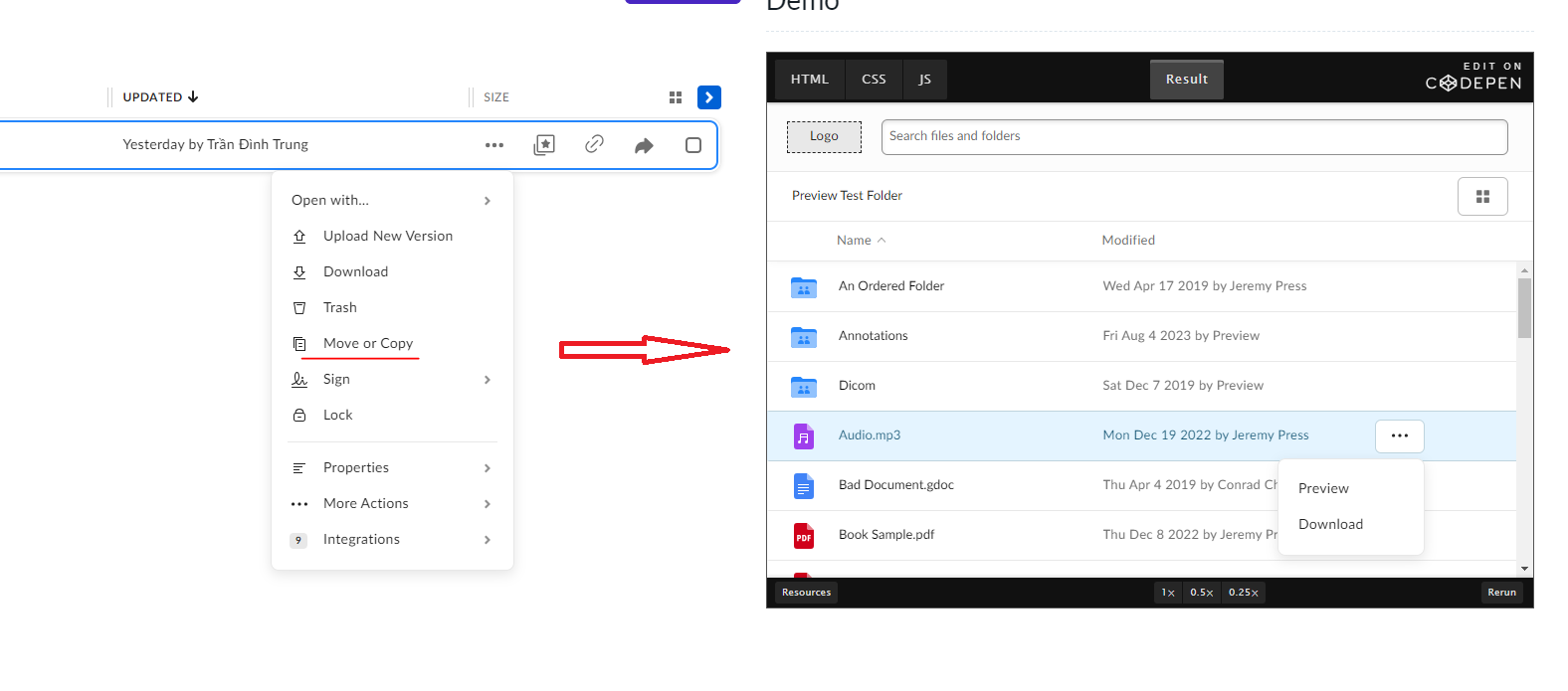
Hi everybody. I am integrating the box into my website. The integration has been completed. I searched the documentation to add the function to copy or move files to another folder but there was none. Do I have any solution for this problem? Thank you very much! I need copy or move function like app.box.com
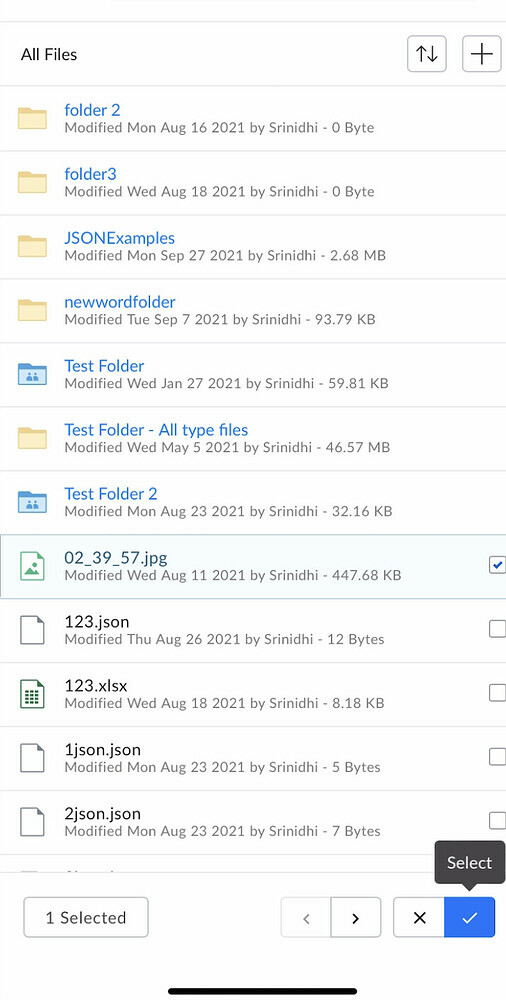
Hi All, We are facing an issue w.r.t. box file picker on iOS devices. We have integrated file picker as per documentation but while sharing the files and after selection of files, we need to press select button twice to complete the operation and dismissing the file picker.
I am working on an application that requires the ability to retrieve the entire folder tree in a user’s Box repository. I am aware that Box’s API typically requires navigating the folder structure step by step. However, I wanted to check if there have been any updates or new features introduced in the Box API that may allow for more efficient retrieval of the folder tree. Is there a specific API endpoint or method that can help me achieve this ? Thank you
I am creating a Custom Portal ( Box Application ) using OAuth for authentication (NextAuth). The Box environment is configured with SSO via Azure. I’m seeking clarification if this is possible. I recall skimming through the developer site that this isn’t. I’m not able to find that reference.
I’m utilising the Box Sign Events API to construct my workflows. The API provides capacity to monitor the sign document when it is converted to a .pdf file, using the SIGN_DOCUMENT_CONVERTED event. However, this event does not seem to trigger - I’ve tried using different sign document file formats. They all get successfully converted to a PDF for signing, but the CONVERTED event never seems to show up in the enterprise events stream (admin_logs_streaming). Similarly, I’m also not able to trigger the SIGNER_DOWNLOADED event - the documentation states that: “A SIGNER_DOWNLOADED event_type is produced when a signer downloads the signing document.”, but when I test this out, I only receive an additional SIGN_DOCUMENT_VIEWED_BY_SIGNER event (note that this isn’t the event upon opening the sign document email, but an additional one when I click the download button in the Box sign UI). Is this an intentional behaviour? If so, how do we trigger the SIGNER_DOWNLOADED event? Could someone please
Already have an account? Login
No account yet? Create an account
Enter your E-mail address. We'll send you an e-mail with instructions to reset your password.