Solved

Configure Postman Using JWT to Custom Box Application

  • Jul 13, 2023 5:21 PM UTC
  • 12 replies
  • 9 views
  • Translate All

I am a ServiceNow Developer looking to build a Box Integration. Currently, I have ServiceNow configured to make API calls utilizing OAuth with JWT (Server Authentication). The steps I followed to accomplish that can be found here. This does work. For testing and development purposes I would like to configure Postman to emulate exactly what I have configured in the provided link. By that I mean I was to use the same client id, secret id, and point to the same custom app that was created in those steps. I feel like I want to use the developer token generated from the custom app to accomplish this, similar to what Alex responded within this post, however, I don’t see how to point to my custom app. Admittedly, when searching for documentation on how to accomplish this I probably don’t know enough about this process to find the correct steps. Any guidance on how to accomplish this would be appreciated.

Thank you
Best answer by smartoneinok

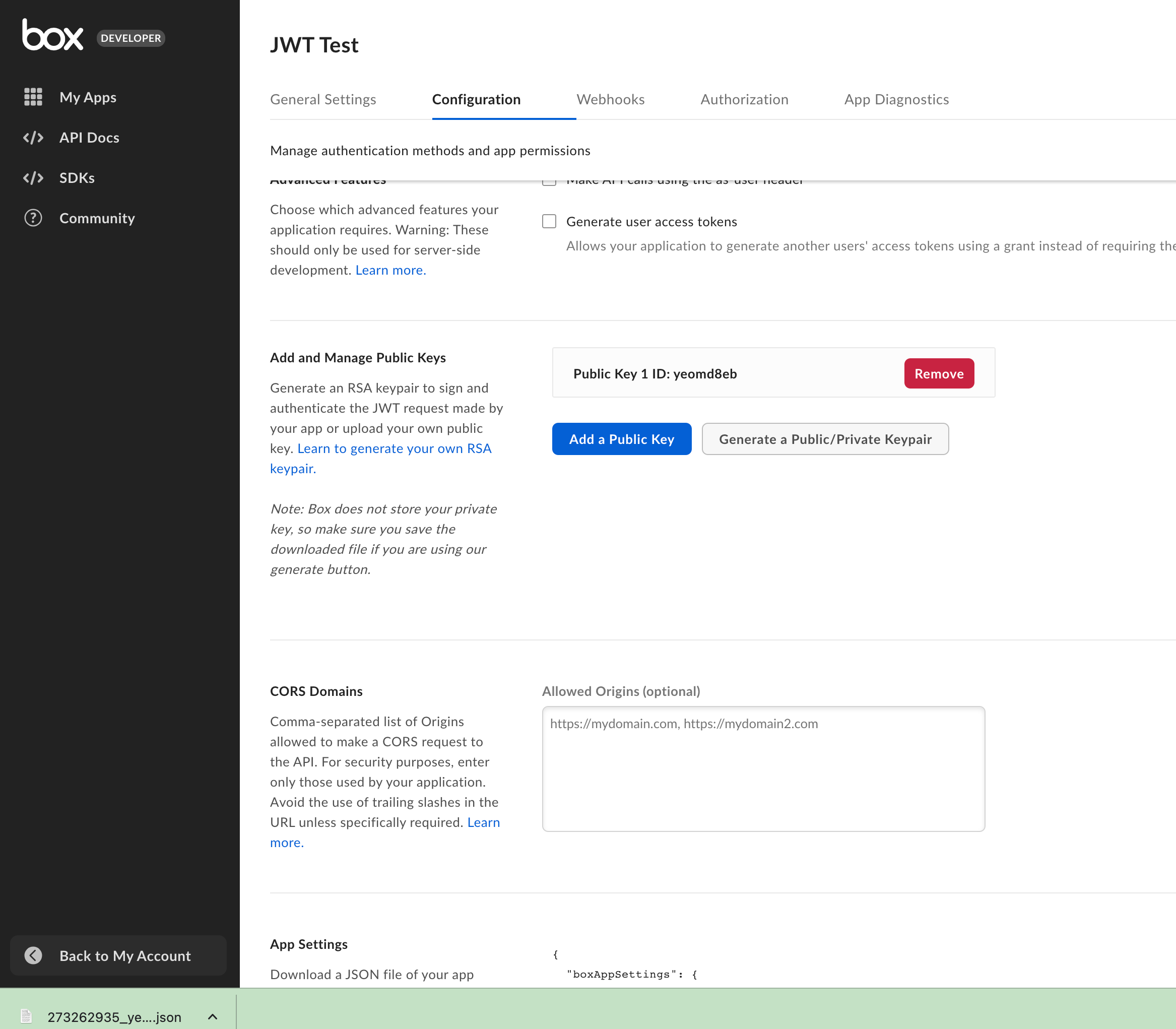
When you create a public/private key pair in the developer console for a JWT application, it will automatically download a new configuration file for you!

Based on reviewing the ServiceNow instructions - which seem to describe issues with the Box public/private key service in tandem with ServiceNow - it looks like they just made you make your own. Similar to what is described here.

For your purposes, assuming you don’t have the private key created when setting up the original integration, using the config file downloaded automatically should work for you - as this doesn’t change the underlying application or scopes. But make sure to keep that file downloaded private. It shouldn’t be something shared widely.

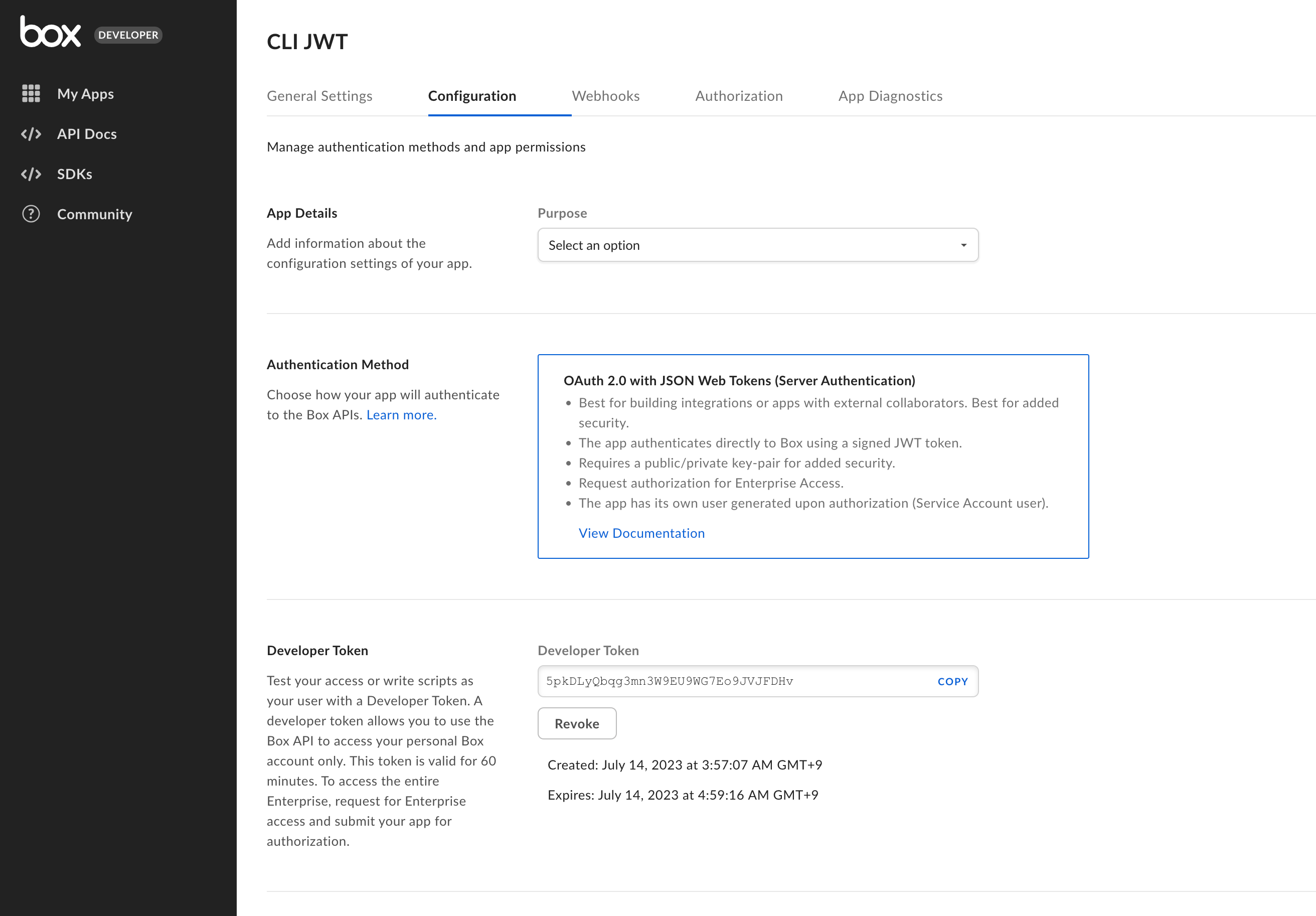
Token wise - you can find information on those limits here. But - yes it should last you 60 minutes.

View original

12 replies

smartoneinok
  • Senior Developer Advocate
  • Jul 13, 2023 6:58 PM UTC

Hello!

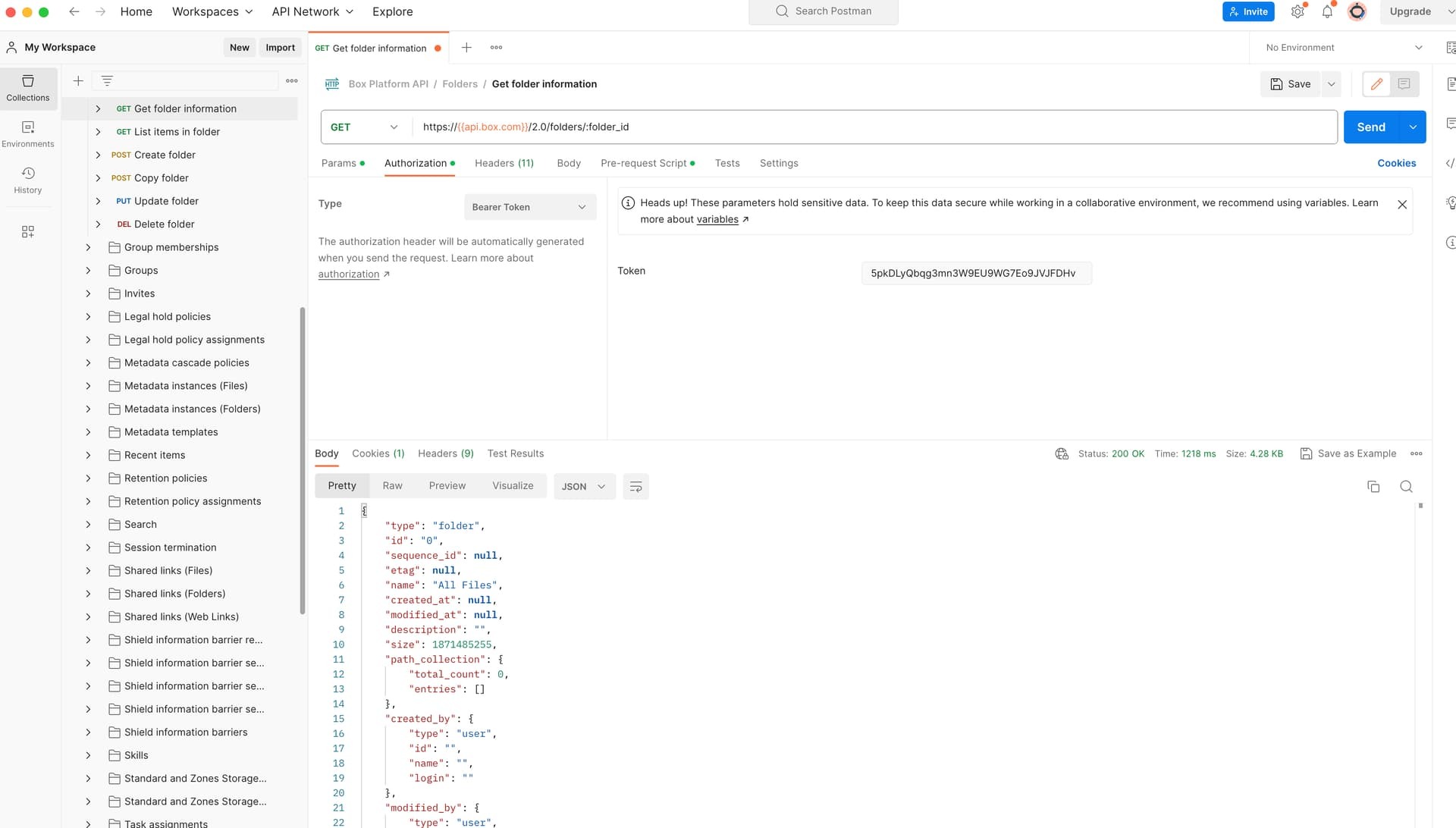
I’m not sure I understand what you mean by “point to my custom app” - In Postman, when you use a developer token in any of the endpoints, it will automatically use the Box JWT application the token is tied to.


Thanks,
Alex, Box Developer Advocate

Translate

  • Author
  • Employee
  • Jul 13, 2023 7:46 PM UTC

Alex,

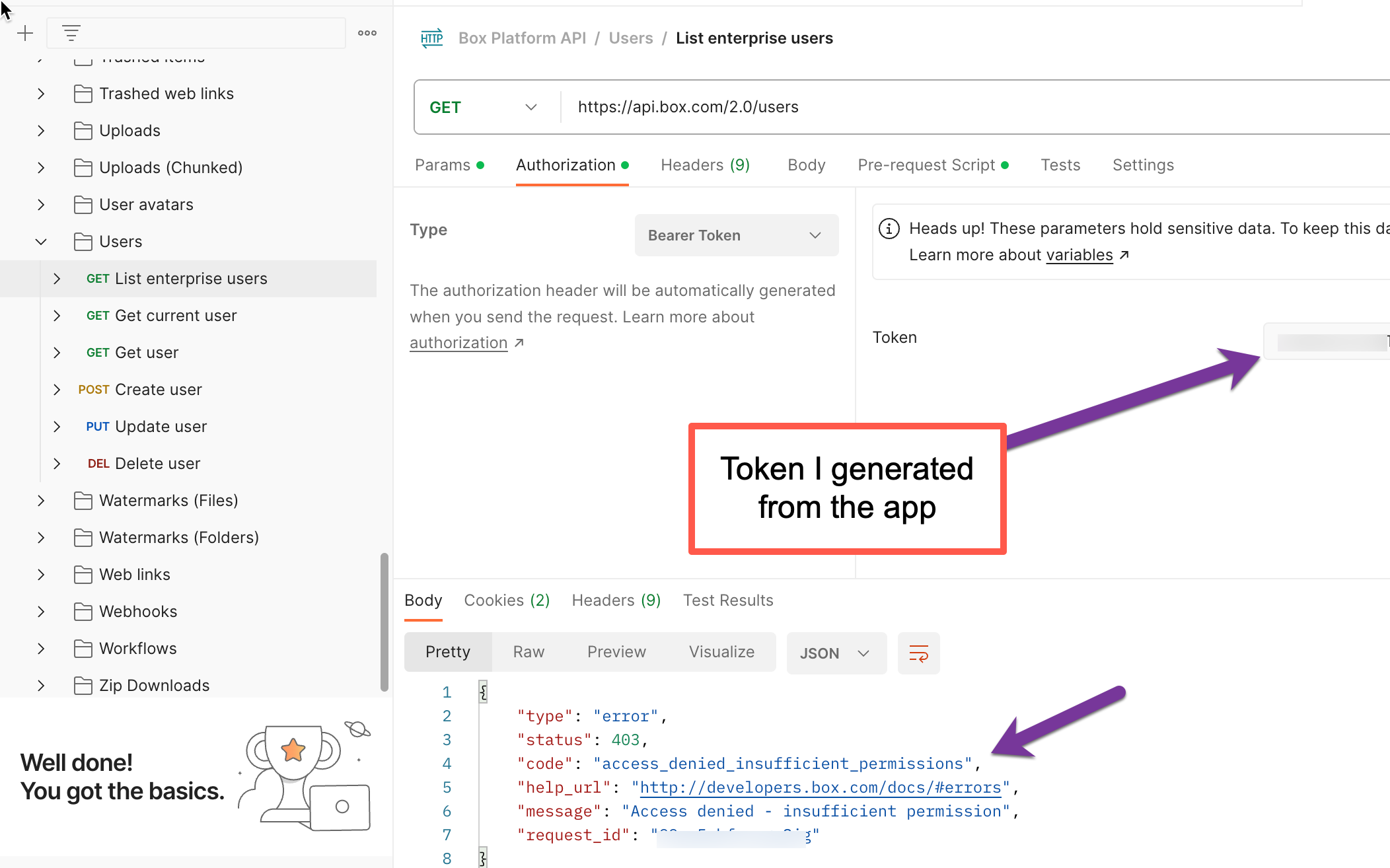
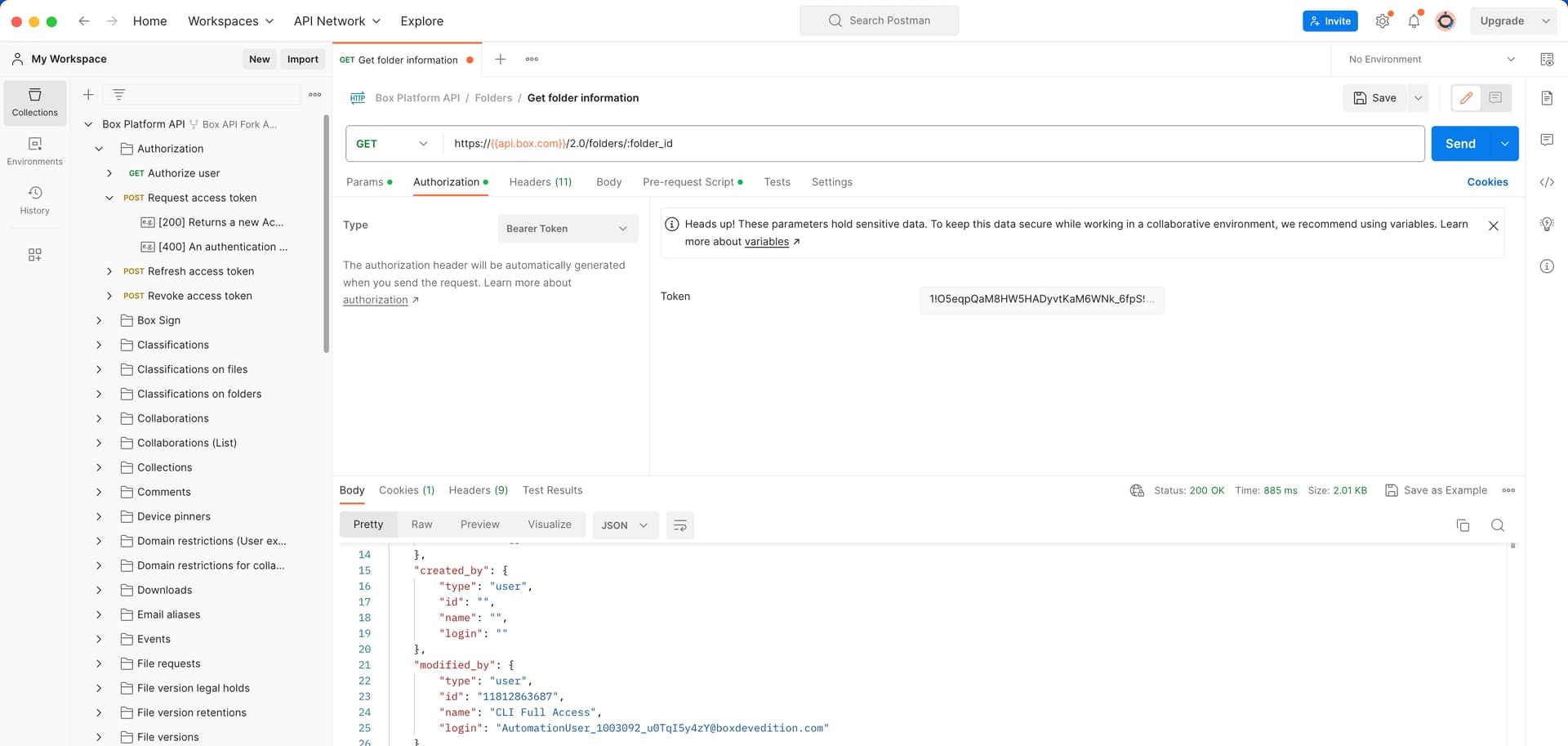
Thank you. I was under the impression that this was the case “In Postman, when you use a developer token in any of the endpoints, it will automatically use the Box JWT application the token is tied to.” Thank you for confirming that. I am not seeing that in my testing however or I am most likely missing something obvious. In Postman I can use the bearer token and run the GET “Get User” and it will return my developer account. I believe this proves the token is working. When I run Get “List Enterprise Users” in Postman I get a 403. In my configured app (ServiceNow) I get the results I expect

I don’t see the disconnect.

Translate

  • Author
  • Employee
  • Jul 13, 2023 7:47 PM UTC

I would post the working image but I am hitting this error message “An error occurred: Sorry, new users can only put one embedded media item in a post.”

Translate

smartoneinok
  • Senior Developer Advocate
  • Jul 13, 2023 8:13 PM UTC

Hmmm! Checking on that image error too! Might be something quirky with our forum.

May I have the client id of your application?

Translate

smartoneinok
  • Senior Developer Advocate
  • Jul 13, 2023 8:50 PM UTC

Scratch that! I think I know the issue!

I forgot that when you make a developer token for an application in the developer console, it uses the underlying user’s permissions too. If your own user doesn’t have access to manage Box users (ie - you are not the admin or a co-admin) you’ll see the error you are getting.

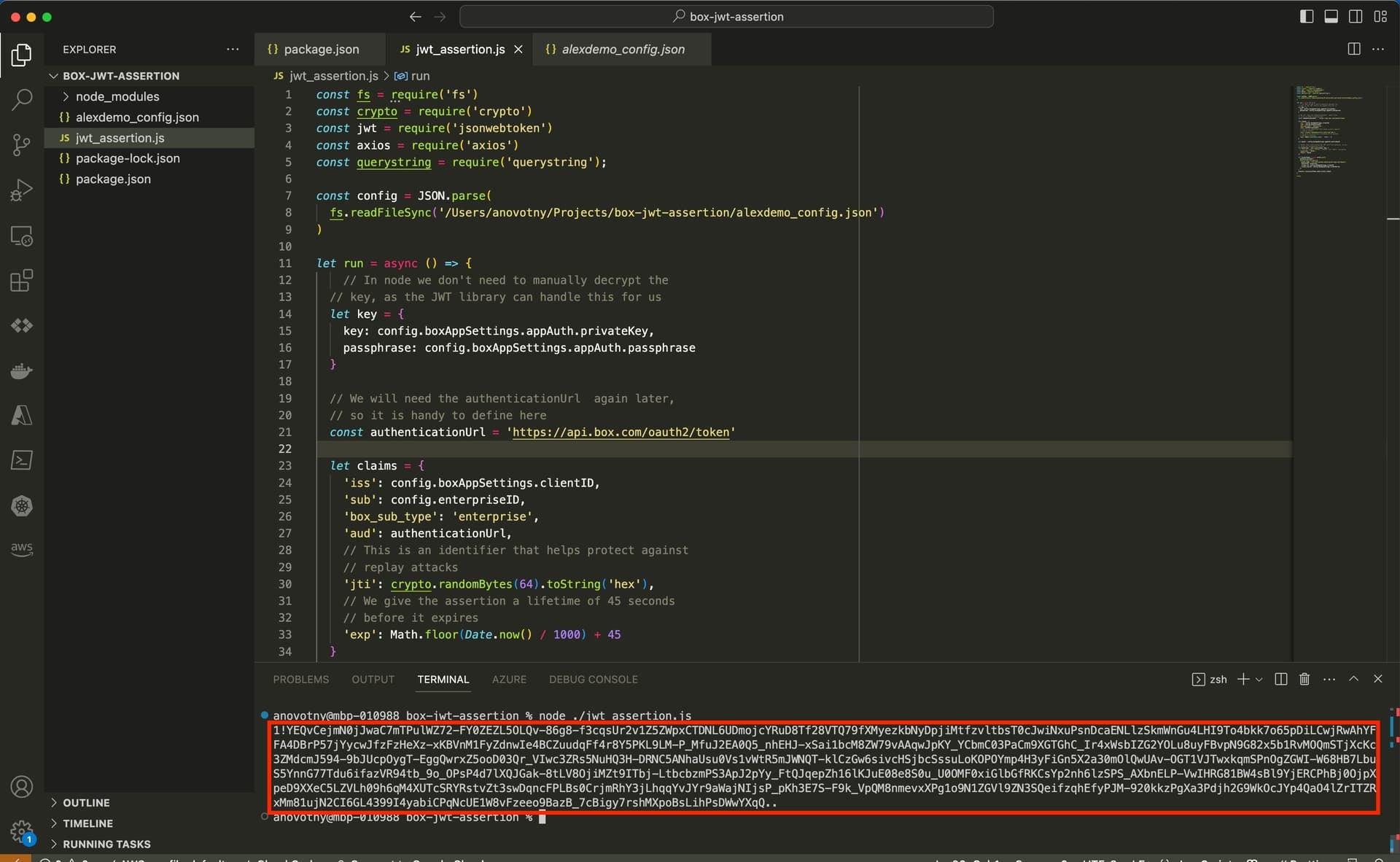
Postman makes it a little more difficult as I explained in my previous post that you linked to use a JWT type app. However, all you would need to do is generate a token that is for the service account. Which you should be able to use this code snippet to do… and then use that output in the token field in Postman.

const fs = require('fs')
const crypto = require('crypto')
const jwt = require('jsonwebtoken')
const axios = require('axios')
const querystring = require('querystring');

const config = JSON.parse(
  fs.readFileSync('/Users/anovotny/Projects/box-jwt-assertion/alexdemo_config.json')
)

let run = async () => {
    // In node we don't need to manually decrypt the
  // key, as the JWT library can handle this for us
  let key = {
    key: config.boxAppSettings.appAuth.privateKey,
    passphrase: config.boxAppSettings.appAuth.passphrase
  }

  // We will need the authenticationUrl  again later,
  // so it is handy to define here
  const authenticationUrl = 'https://api.box.com/oauth2/token'

  let claims = {
    'iss': config.boxAppSettings.clientID,
    'sub': config.enterpriseID,
    'box_sub_type': 'enterprise',
    'aud': authenticationUrl,
    // This is an identifier that helps protect against
    // replay attacks
    'jti': crypto.randomBytes(64).toString('hex'),
    // We give the assertion a lifetime of 45 seconds
    // before it expires
    'exp': Math.floor(Date.now() / 1000) + 45
  }

  let keyId = config.boxAppSettings.appAuth.publicKeyID

  // Rather than constructing the JWT assertion manually, we are
  // using the jsonwebtoken library.
  let assertion = jwt.sign(claims, key, {
    // The API support "RS256", "RS384", and "RS512" encryption
    'algorithm': 'RS512',
    'keyid': keyId,
  })

  let accessToken = await axios.post(
    authenticationUrl,
    querystring.stringify({
      grant_type: 'urn:ietf:params:oauth:grant-type:jwt-bearer',
      assertion: assertion,
      client_id: config.boxAppSettings.clientID,
      client_secret: config.boxAppSettings.clientSecret
    })
  )
  console.log(accessToken.data.access_token)
}

run()
Translate

  • Author
  • Employee
  • Jul 13, 2023 9:56 PM UTC

Thank You Alex, I will give this a try and report back.

Translate

  • Author
  • Employee
  • Jul 17, 2023 5:06 PM UTC

Alex,

I am still trying to get the code you provided to run on my machine but in the meantime two questions. In the configuration file, I know what to put in for every section except “privateKey”, do I need this and if so what would that be? Also, does this token also expire in 60 mins?

Thank you

Translate

smartoneinok
  • Senior Developer Advocate
  • Answer
  • Jul 17, 2023 6:29 PM UTC

When you create a public/private key pair in the developer console for a JWT application, it will automatically download a new configuration file for you!

Based on reviewing the ServiceNow instructions - which seem to describe issues with the Box public/private key service in tandem with ServiceNow - it looks like they just made you make your own. Similar to what is described here.

For your purposes, assuming you don’t have the private key created when setting up the original integration, using the config file downloaded automatically should work for you - as this doesn’t change the underlying application or scopes. But make sure to keep that file downloaded private. It shouldn’t be something shared widely.

Token wise - you can find information on those limits here. But - yes it should last you 60 minutes.

Translate

  • Author
  • Employee
  • Jul 17, 2023 7:43 PM UTC

Alex,

Currently we have two Public Keys added to our app, I being told that after adding the second key, the ability to “Generate a Public/Private Keypair” is no longer available. Can you confirm that?

Translate

smartoneinok
  • Senior Developer Advocate
  • Jul 17, 2023 9:14 PM UTC

ah! Yes that is true. I wasn’t aware you already had two. Do you know why your app has two currently? It looks like ServiceNow only needs the one you set up for the integration.

Translate

  • Author
  • Employee
  • Jul 18, 2023 2:10 PM UTC

You are correct, we are working to get rid of one of them. Thank you for your help on this, I am pretty sure I have what I need at this point.

Translate

smartoneinok
  • Senior Developer Advocate
  • Jul 18, 2023 2:29 PM UTC

Absolutely. Let me know if you need more assistance!

Translate